
Products tagged with 'Bluetooth 2.1'
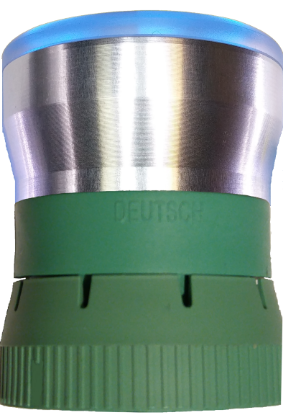
Update the Adapter Hardware/Firmware
Note, this update now includes the 4.1 hardware upgrade for 3.1 BLE adapters. This upgrade has significant improvements over the 3.1 version, but you need to send your Adapter in to get the initial upgrade. Once your Adapter is upgraded, you can use the Firmware Update program for future updates. The Firmware and Hardware changes can be found at this link.
Note, if you have a 4.1 hardware Adapter, you can download and update the Firmware yourself with a Windows computer from the link on the Firmware Update Page. See the Getting Started Document's Firmware Update section for more information.
Very Important Notes - With App version 10+, upgrading to the new 4.1 hardware changes the App Setting 'Connect to Last Adapter' so if you are using this option, after you receive your updated Adapter, you need to uncheck that setting, connect to the Adapter and then re-check the setting.
Send your Adapter along with a copy of this order (or just the order number) to the address below and the firmware will be updated and your Adapter shipped back to you according to your order shipping. Turnaround time is usually the day after receiving your adapter.
DO NOT Send any Adapter 6-pin or ALDL Connectors, just send the Adapter by itself.
BlueFire LLC
20250 276th Ave SE
Unit 264
Hobart, WA 98025-5012
Note, this is a PO Box and we check it every afternoon at the end of the day.
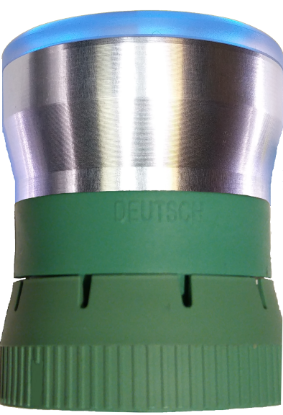
Repair the Adapter
Before sending in your Adapter for repair you should take a look at the Getting Started Document's Troubleshooting section to ensure that your Adapter needs repairing.
After troubleshooting your Adapter and the LEDs do not light up, then you need to send your Adapter in for repair. When repaired, your Adapter will have the latest firmware and hardware upgrade.
You can try the repair yourself with the Firmware Update program. Note, the Firmware Update program is only for 4.1 hardware Adapters and runs only on Windows computers. You can download the Firmware Update program from the link on the Firmware Update Page. See the Getting Started Document's Firmware Update section for more information.
Send your Adapter along with a copy of this order (or just the order number) to the address below. If your Adapter has just a memory corruption, it will be repaired and shipped back to you according to your order shipping. If your Adapter requires a replacement power or processor board, you will be notified that you need to purchase the board.
DO NOT Send any Adapter 6-pin or ALDL Connectors, just send the Adapter by itself.
BlueFire LLC
20250 276th Ave SE
Unit 264
Hobart, WA 98025-5012
Note, this is a PO Box and we check it every afternoon at the end of the day.
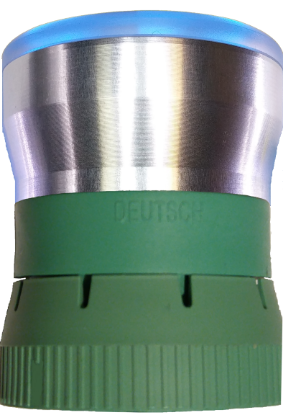
Adapter Processor Board
Note, Do Not order this unless instructed to. If this is necessary, you will be notified during the repair process. This can only be sent along with the repaired adapter.
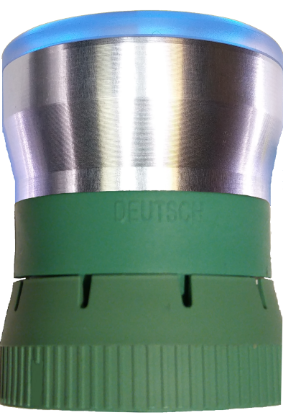
Adapter Power Board
Note, Do Not order this unless instructed to. If this is necessary, you will be notified during the repair process. This can only be sent along with the repaired adapter.
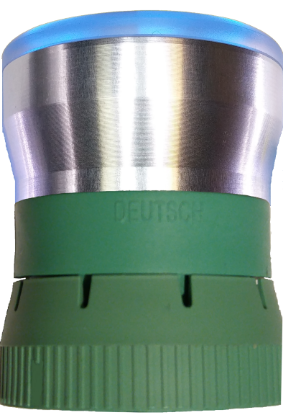
Upgrade a Green Unsupported Adapter to a Supported Adapter
Upgrade a Green non-supported (unregistered) Adapter to a supported (registered) Adapter.
This is for an Adapter that was purchased by a non-supported BlueFire seller. Once payment is received, your Adapter will be registered using your Store Email Address.
Note, if your BlueFire App's Email Address is different than your Store Email Address you will need to register your Adapter using your Store Email Address in the App's Settings page.
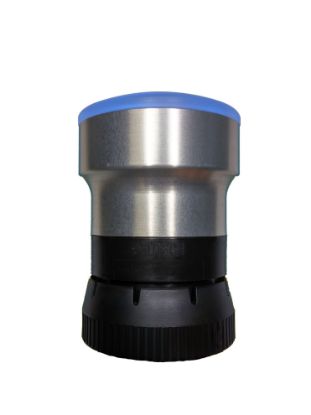
Upgrade a Black 9-pin First Gen Adapter to a Bluetooth BLE Adapter
Upgrade a Black 9-Pin Bluetooth 2.1 First Gen Adapter to a Bluetooth BLE Adapter (all platforms).
Note, you must send us your Adapter along with a copy of this upgrade order to the address below and we will upgrade the adapter and ship it back to you according to your order shipping.
BlueFire LLC
20250 276th Ave SE
Unit 264
Hobart, WA 98025-5012
- 1
- 2